Mindslip

A Mac notepad · macOS 26

For everything that slips your mind.

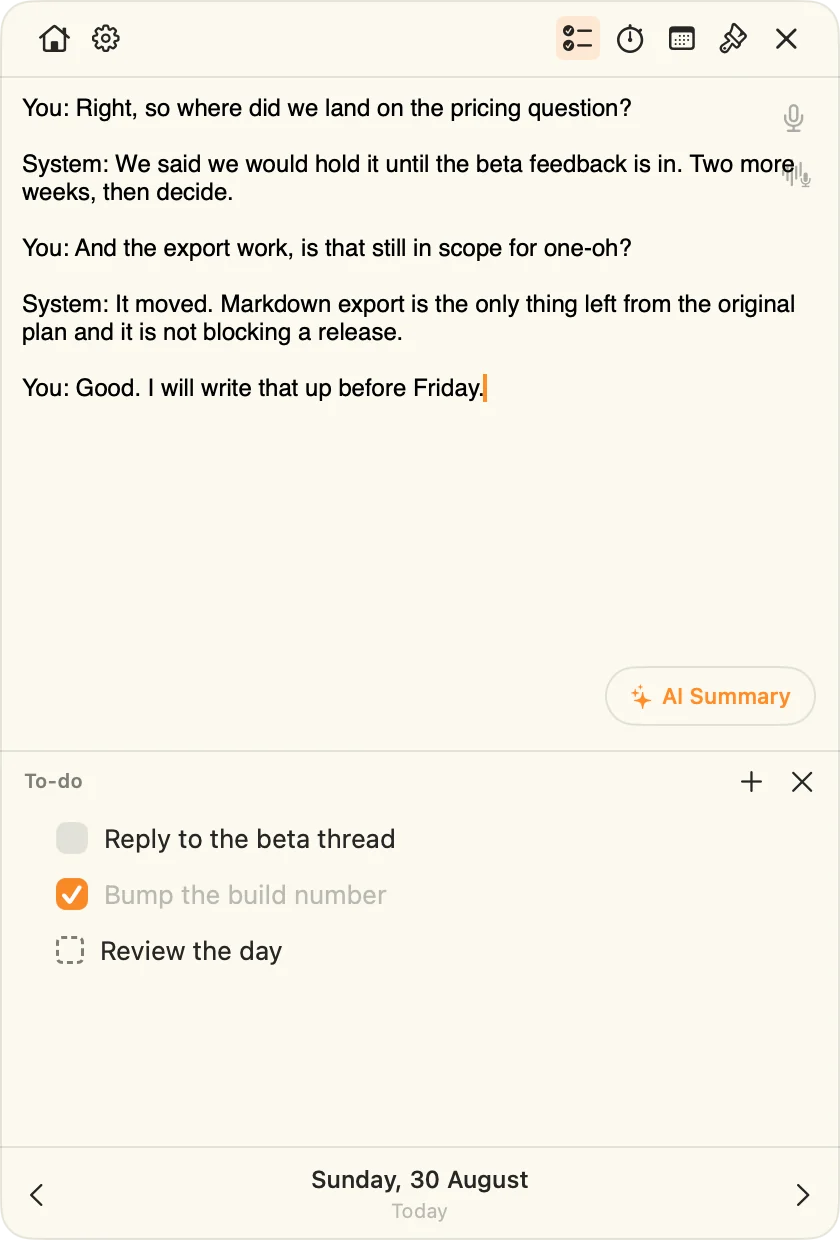
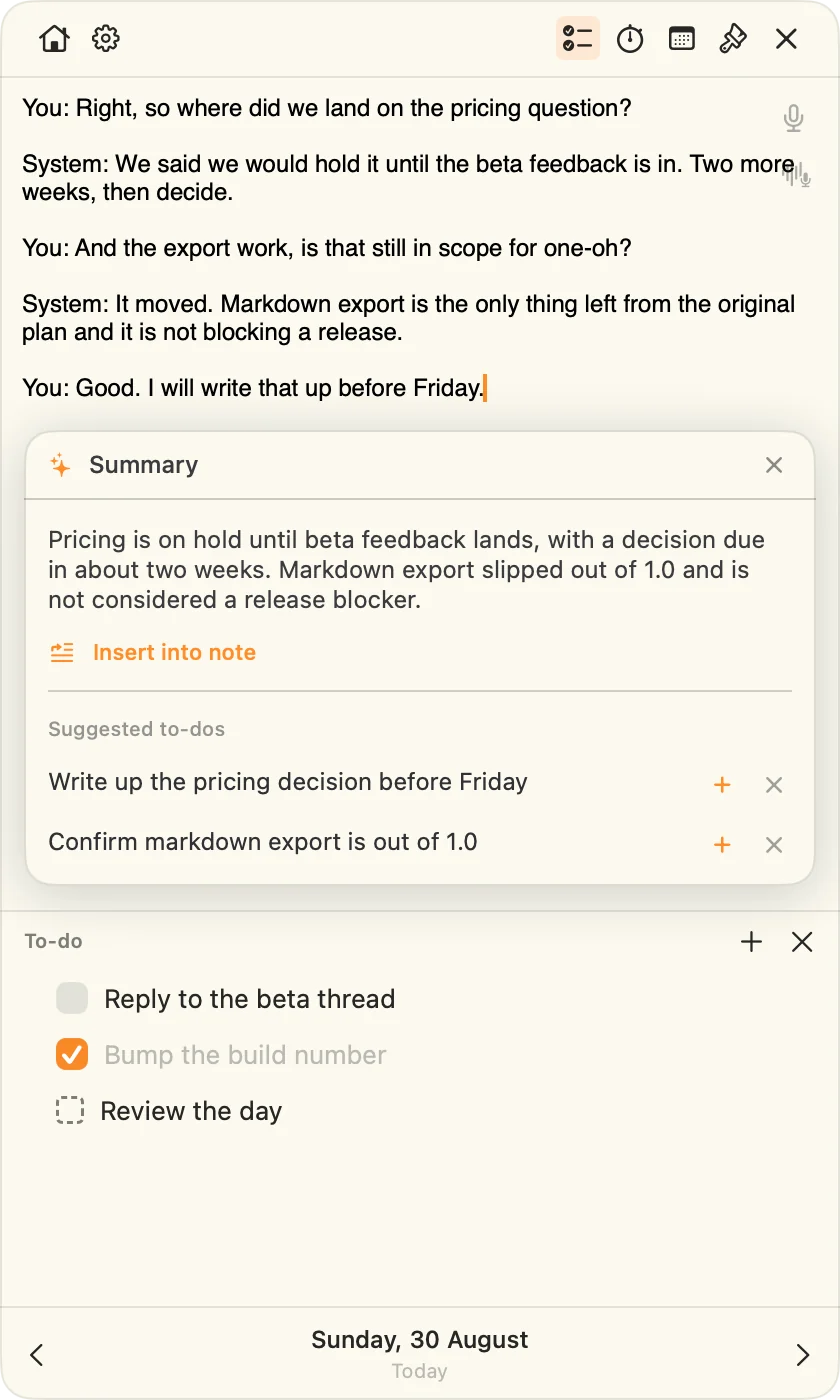
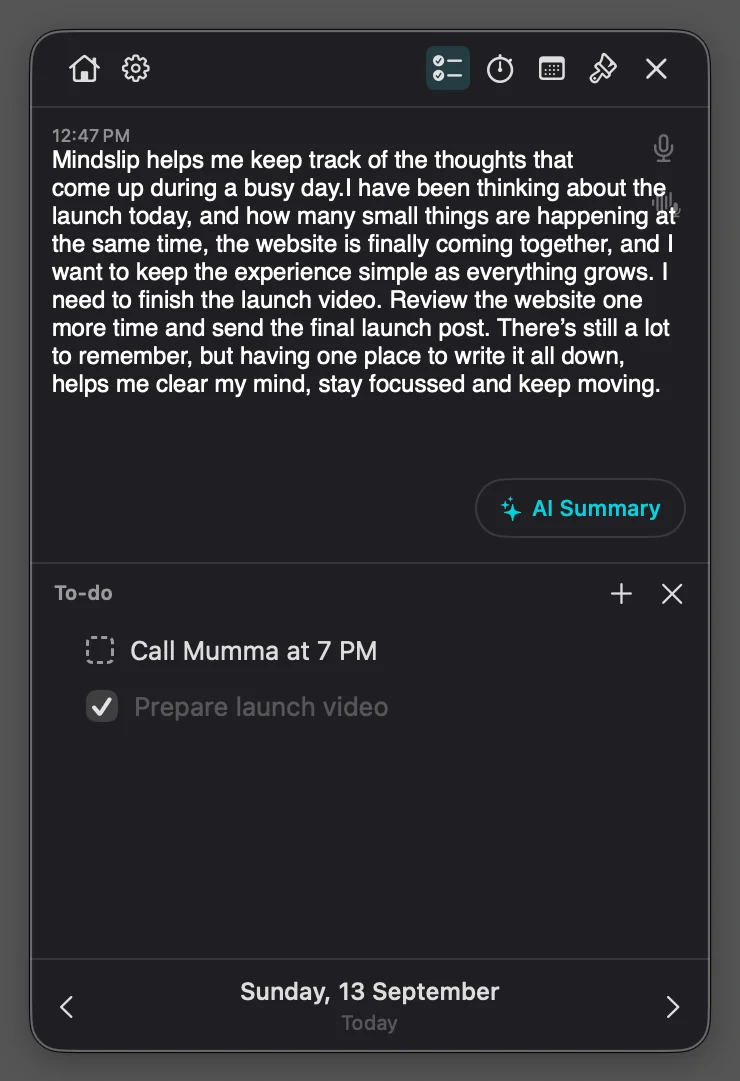
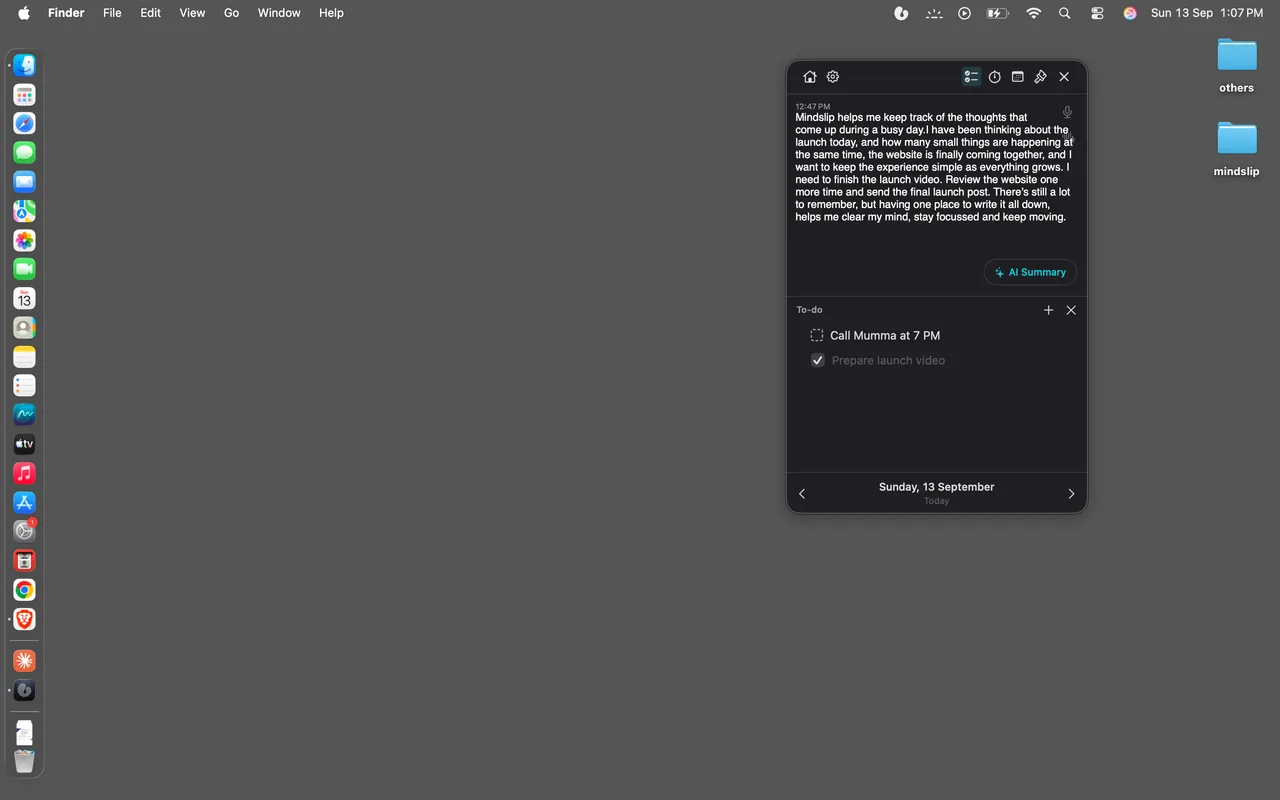
A notepad that floats above whatever you are working on, with one note and one to-do list for every day. Open it from the menu bar, write the thing down, carry on.

FinderFileEdit

One click in the menu bar. It stays on top of everything else.

The idea

The day is the only thing you file under.

No notebooks, no folders, no titles, no Save button. Every calendar day gets one note and one checklist, and today is always the one that opens.

It floats over your work

The notepad stays on top across every app, Space, and screen. You never switch windows to write a line down.

One note, one list, per day

Days you have written show in a list. Star the ones worth keeping; the empty ones clean themselves up.

Saved as you type

Every keystroke, tick, and star persists immediately. There is no Save button anywhere in the app.

Notes

It knows when you wrote it.

Start typing and Mindslip stamps the time you began. Leave it, come back, and the next thing you write opens a new block under its own time — so a day reads back as a timeline instead of a wall of text.

The time is stored, never the label

What is saved is the moment, not the rendering of it. Switch between 24-hour and 12-hour and every note you have already written re-reads itself, because the label is drawn fresh rather than baked into the text.

  • Plain text, so nothing can be silently lost on reload
  • Full-text search across every day at once
  • Export one day, or every day, as a single PDF

Behind the panel: every day you have written, starred days, and search.

To-dos

What didn't happen today moves to tomorrow.

Both days below are live and share one engine — the same rules the app uses. Open a row's ⋯ menu and try it.

Move to next day

Unfinished rows only. It leaves today and lands at the end of tomorrow's list.

Recurring

Unbounded into the future. Each day makes its own copy when you open it, always unchecked.

Remove from recurring

Ends the repeat from that day on and clears upcoming copies. Past days keep theirs.

Dictation

Say it. It writes it down.

Hold a session open and talk. Words appear in the note as you speak them — faint while the recogniser is still deciding, settled once it is sure.

Transcribed by your Mac, not by a server

Dictation runs on device through Apple's Speech framework. No audio is written to disk, nothing is uploaded, and there is no backend to upload it to. Turn off the network and it still works.

  • Lands at the cursor, in the day you are looking at
  • Each finished passage is one undo step, not one per word
  • Any input your Mac can hear, AirPods included

Sync & privacy

Your Macs. Your iCloud. Nobody else's servers.

Turn on sync and your days travel through your own iCloud account — the same private database your Apple apps use. Not through us; there is no us to travel through.

No accounts, no backend

No sign-up, no login, no server of ours. Your notes live on your Mac and, if you allow it, in your private CloudKit database.

Edits merge, they don't overwrite

Notes are stored as a stream of changes rather than one overwritten blob, so two Macs editing the same day both keep their words.

Off until you say so

Sync is off by default. Leave it off and nothing ever leaves the machine.

No analytics. No tracking. No third-party SDKs. Nothing to opt out of.

Themes

Five themes. One switch.

Pick one — every mockup on this page restyles at once, exactly as the app does across its notepad, its window, and Settings.

Questions

Before you ask.

Does it work offline?
Writing never needs a connection, and dictation is transcribed on your Mac. If you have sync on, changes go up the next time you are online.
Where do my notes live?
In the app's own container on your Mac. If you turn on iCloud sync, also in your private CloudKit database. Nowhere else — there is no Mindslip server.
What does it need?
macOS 26 or later. Apple silicon and Intel.
What does it cost?
Free while it is in beta. What happens after that is not settled yet.
How do I get in?
Through TestFlight, once Beta Review clears. The button above goes live then.
Is there an iPhone app?
Not yet. Mindslip is a Mac app today.

For everything that slips your mind.

Free while it is in beta. macOS 26 or later, Apple silicon and Intel.

No account, no server of ours. Your notes stay on your Mac, and in your own iCloud only if you switch sync on.